Vigilant Application Insight

See Every App. Control Every Install.

Vigilant Application Insight gives you full visibility into every software application across your environment. See what is installed, control what is allowed to run, and remove unwanted software, all from one place.

Cybersecurity dashboard UI titled Dashboards; tabs include Overview… Vulnerabilities (selected). Open vulnerabilities chart and Top 10 risky apps table

Today's Reality

01
Man in gray sweater with white earbuds using an open dark laptop indoors; faint “4.5” marker and dotted panel overlay

Visibility

See Every Application You Have

Vigilant Application Insight builds a complete inventory of all software installed across your endpoints. You can see every application and its version in one place, so nothing runs on your network without your knowledge.

  • Get a full inventory of every installed application

  • See application names and versions across all endpoints

  • Remove blind spots by knowing exactly what is running

02
Security dashboard “Dashboards” with tabs (Vulnerabilities selected), “Last year” filter, three donut summary cards and a table of CVEs and scores

Detection

Find Risky and Unwanted Software

Not every application belongs on your network. Application Insight flags software that is outdated, unauthorized, or risky, so you can quickly find shadow IT and remove hidden weaknesses before they cause harm.

  • Flag outdated software that needs updating

  • Identify unauthorized and unapproved applications

  • Uncover shadow IT running without your knowledge

03
Dark security dashboard in a browser showing “Vulnerabilities” with a filter bar, CVE/severity chips, and a table listing assets and “Critical” alerts

Control

Decide What Is Allowed to Run

Take full control over the software in your environment. Application Insight lets you block applications that should not run and allow only the ones you approve, keeping every endpoint clean and compliant.

  • Block specific applications from running on your endpoints

  • Allow only the software your organization approves

  • Apply consistent application policies across all systems

04
Man with laptop on light green sofa in bright lobby; translucent overlay lines and faint “Oct. 2014” text near right center

Remediation

Remove Unwanted Software Remotely

When you find software that should not be there, you can act right away. Application Insight lets you uninstall unwanted applications remotely, so you can clean up any endpoint without visiting it in person.

  • Uninstall unwanted applications remotely from one console

  • Clean up endpoints without any on-site access

  • Respond quickly to remove risky software the moment it is found

Decorative background gradient

Get Started

Symmetrical 3D geometric open box of glossy translucent panels around a glowing light-blue cube on a white background

Use Cases

Your Software. Under Your Control.

Full Application Visibility

You cannot protect what you cannot see. Application Insight gives you a complete, up-to-date inventory of every application across your network, so you always know exactly what is installed.

Abstract purple/blue 3D blocks with translucent panels and white grid outlines; faint text B0B0 and T1021 visible

Complete Inventory

See every application installed across all your endpoints in one clear list.

Explore the Platform
Purple smartphone protected by a translucent security shield

Version Tracking

Know the version of each application, so you can spot what is outdated.

Explore the Platform
Futuristic blue-purple office scene: man at desk facing back-view monitor with Apple logo, overlay text T1486 T1602 443

No Blind Spots

Every piece of software is accounted for, leaving nothing hidden on your network.

Explore the Platform

Application insight in practice

Know your software. Understand its context.

Vigilant Application Insight helps security teams review installed applications and versions, and identify what needs investigation or follow-up.

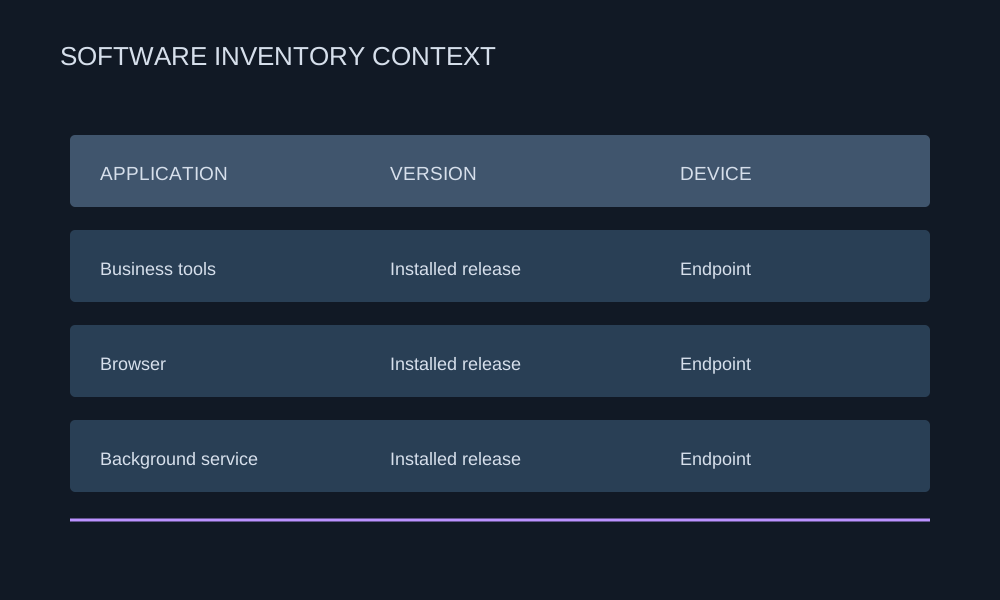
  1. 01

    Inventory

    Review installed applications and associate software with the endpoints where it appears.

    Illustrative inventory relating applications, installed versions, and devices
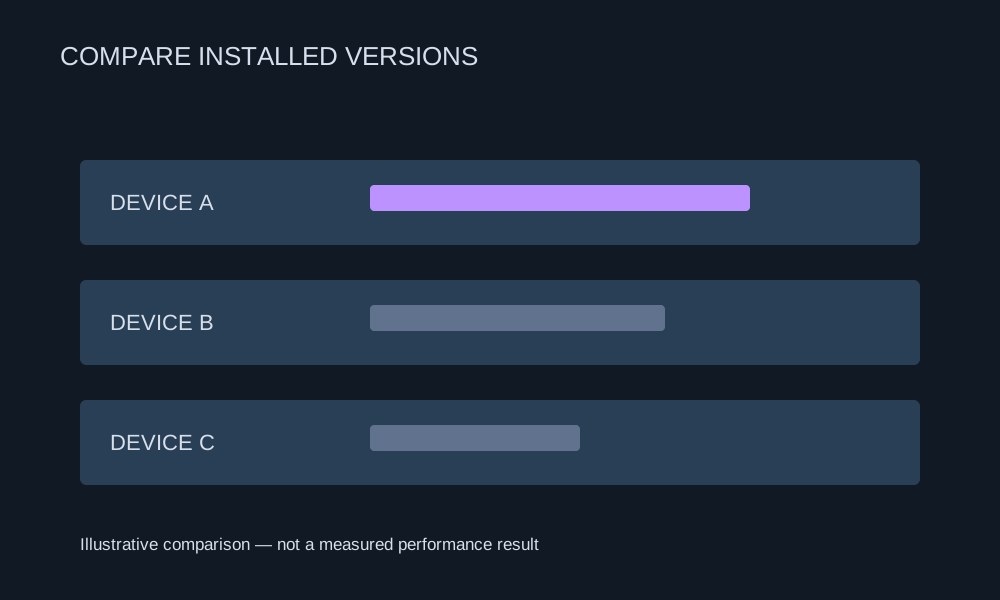
  2. 02

    Compare

    Review software versions across devices to identify differences and investigate outdated installations.

    Illustrative comparison of installed software across devices
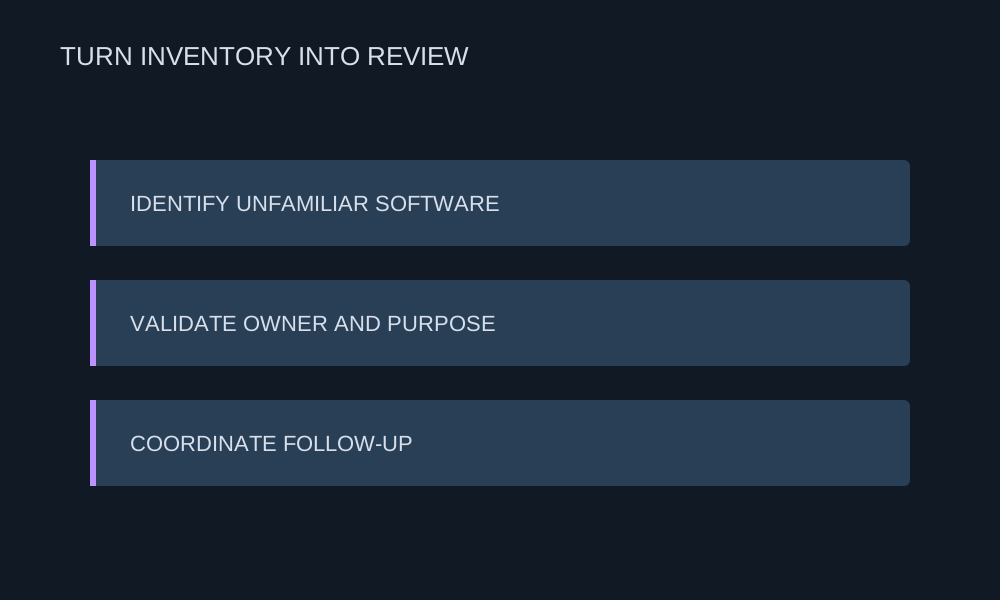
  3. 03

    Review

    Validate unfamiliar software, confirm ownership, and coordinate follow-up with the responsible team.

    Workflow for identifying software, validating ownership, and coordinating follow-up

Customer & industry focus

Security for the organizations that connect Yemen.

From telecom infrastructure to mobile services, explore local security priorities and the DeepSafer capabilities that address them.
Yemen Mobile telecommunications tower and site

A clearer view of software in use.

Yemen Mobile

Mobile services & endpoint protection

Connect installed applications to endpoints and review versions alongside usage context.


Explore the solution
TeleYemen building and telecommunications tower

Software context for telecom operations.

TeleYemen

Telecommunications & infrastructure

Review unfamiliar applications and software ownership with the teams responsible for IT.


Explore the solution
YOU company building with its yellow facade and logo

Shared review across security and IT.

YOU

Yemen Omani United telecommunications

Use application inventory and version context to guide follow-up and change discussions.


Explore the solution

Why DeepSafer

Application context for clearer decisions.

Review installed software, versions, and ownership to support investigation and coordinate follow-up between security and IT.
Software Across Your Workforce

Software Across Your Workforce

Associate installed software with the people and endpoints that use it.

Investigate Unfamiliar Applications

Investigate Unfamiliar Applications

Review software context before deciding whether an application belongs in your environment.

Version Context for Everyday Review

Version Context for Everyday Review

Compare installed versions and coordinate follow-up with the people responsible for updates.

Ownership Before Action

Ownership Before Action

Confirm business purpose and ownership when reviewing software that needs attention.

A Shared View for Security and IT

A Shared View for Security and IT

Use application context to support investigation, change discussions, and operational decisions.

Platform Integration

Stronger Together. One Platform, Zero Gaps.

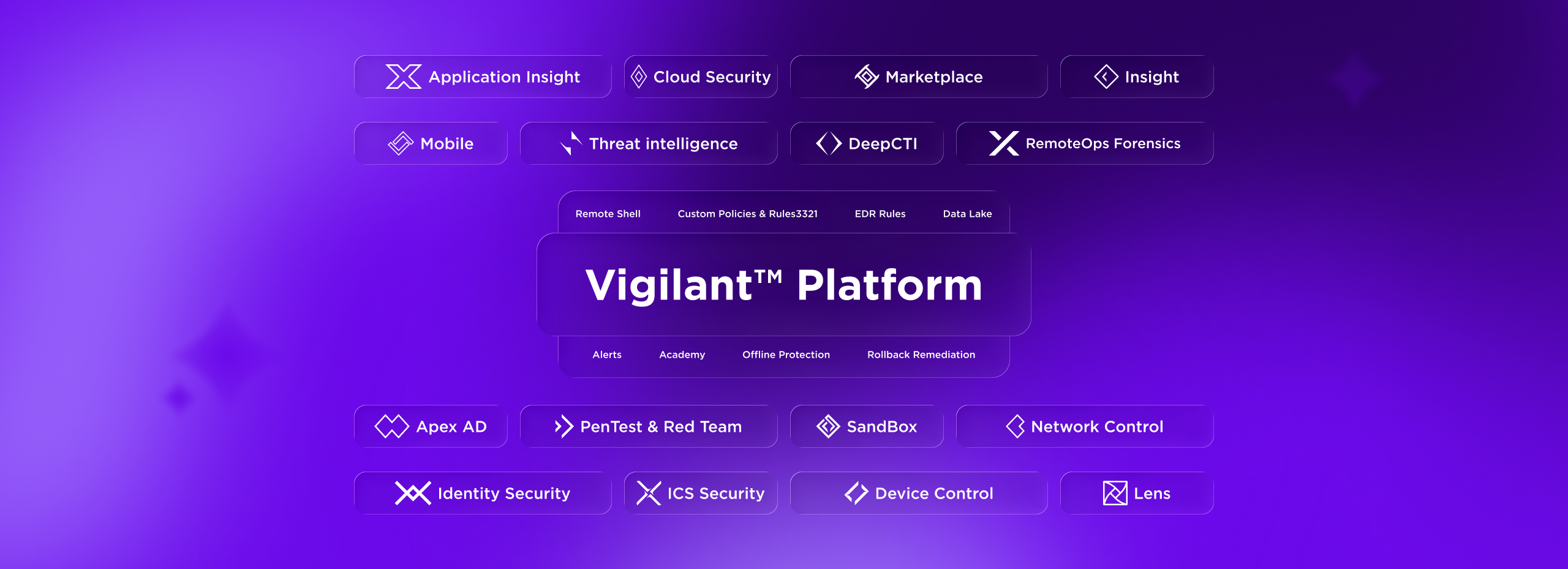
Futuristic UI mockup titled “Vigilant Platform” with neon platform, orb, labeled sections, and sidebar “DeepSafer”
01

From Detection to Prevention

Find exposures and stop the threats targeting them. Same AI-native agent. Same console.

02

Context That Drives Faster Response

Correlate exploit attempts with known vulnerabilities to prioritize response by real-world risk.

03

Consolidated Workflows. Fewer Tools.

Manage endpoint protection and vulnerability scanning from a single console. One place to investigate, prioritize, and act. No tool switching required.

Need Answers?

Frequently Asked Questions

Vigilant Application Insight gives you full visibility into the software installed across your environment. You can see every application, control what is allowed to run, and remove unwanted software, all from one place.

Yes. Application Insight builds a complete inventory of all installed software across your endpoints, showing each application and its version so you always know exactly what is running.

Yes. It flags software that is outdated, unauthorized, or risky, helping you quickly find shadow IT and remove hidden weaknesses in your environment.

Yes. You can block specific applications from running and allow only the software your organization approves, keeping every endpoint clean and compliant.

Yes. Application Insight lets you uninstall unwanted applications remotely, so you can clean up any endpoint without needing physical access to it.

Decorative background gradient

Next Steps

Take Control of Your Software.

Dark dashboard UI with purple-highlighted nav, summary cards showing 149, 7, 78, 56, 1.2 h, and a status table with linked purple text