
Vulnerability Management

See Everything. From One Platform.

Discover every device on your internal network. Automatically scan protected endpoints for vulnerabilities. Prioritize by what attackers actually exploit. One platform. Every device. Zero blind spots.

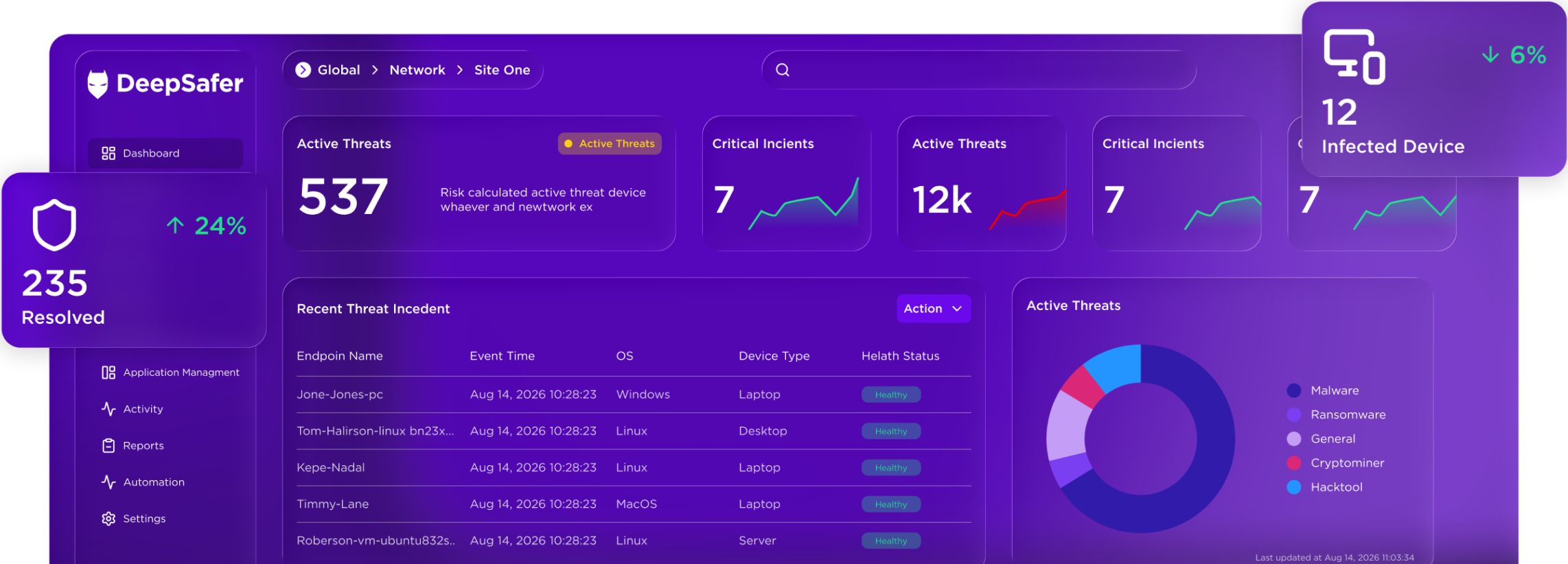
Cybersecurity dashboard UI titled Dashboards; tabs include Overview… Vulnerabilities (selected). Open vulnerabilities chart and Top 10 risky apps table

Today's Reality

01
Man in gray sweater with white earbuds using an open dark laptop indoors; faint “4.5” marker and dotted panel overlay

Scanning

One Agent. Built to Do More.

Run vulnerability scans on every protected endpoint using the agent you already have deployed. No separate scanner to purchase, deploy, or maintain. Trigger on-demand scans any time, or let automated policies handle it.

  • Scan across Windows, macOS, and Linux with no separate scanner infrastructure

  • On-demand scans available at any time for targeted or incident-driven coverage

  • Discover every device on your internal network, managed and unmanaged, to close inventory gaps

02
Security dashboard “Dashboards” with tabs (Vulnerabilities selected), “Last year” filter, three donut summary cards and a table of CVEs and scores

Prioritization

Prioritize What's Exploitable. Not The Noise.

Stop triaging the full CVE list. Focus on the vulnerabilities attackers are most likely to exploit, with signals grounded in real-world attack behavior.

  • Prioritize using EPSS scores and CISA KEV signals, not CVSS alone

  • DeepSafer Risk Score ranks vulnerabilities by real-world remediation priority

  • Reduce remediation effort by acting on what matters most

03
Dark security dashboard in a browser showing “Vulnerabilities” with a filter bar, CVE/severity chips, and a table listing assets and “Critical” alerts

Unified platform

One Console. Less Switching. More Context.

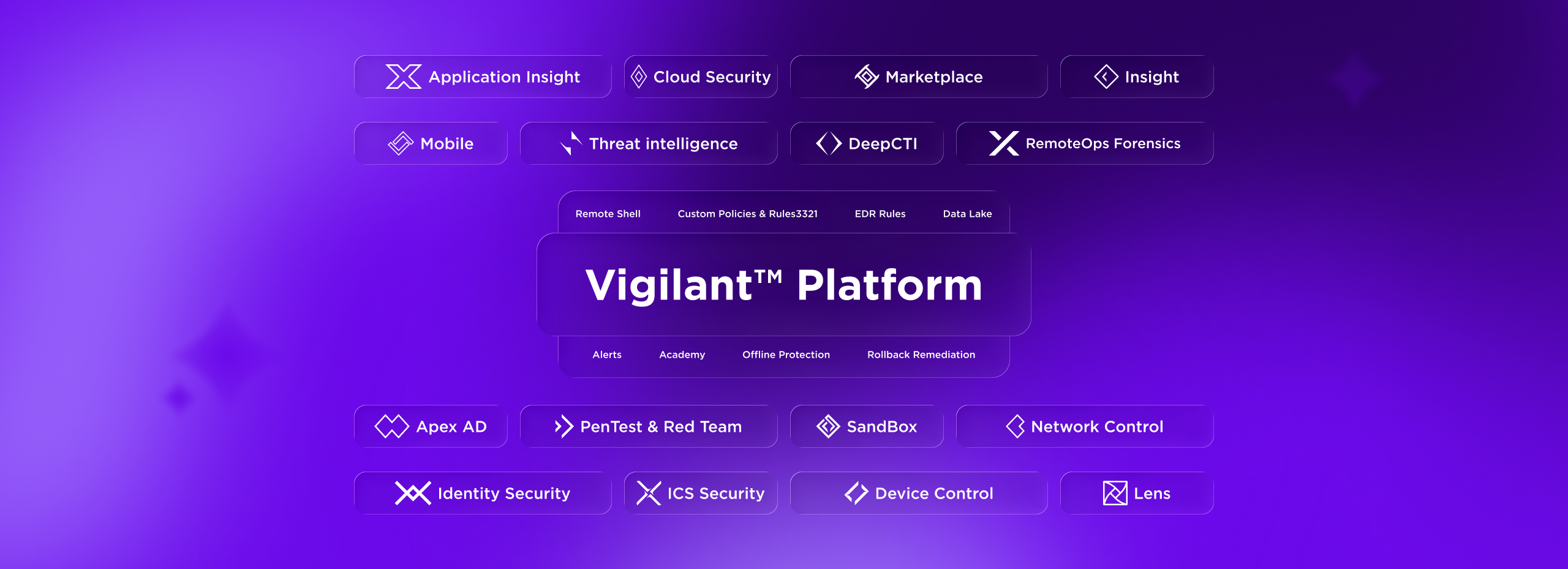
Built into the same platform as endpoint protection, VigilantTM Vulnerability Management brings vulnerability findings and threat detections into a single console, with full EDR context.

  • Vulnerability findings and threat detections correlated natively in the Vigilant Platform

  • No context switching between tools

  • One agent, one dataset, one place to investigate and act

04
Man with laptop on light green sofa in bright lobby; translucent overlay lines and faint “Oct. 2014” text near right center

Consolidation

Reduce Your Vendor Stack

Drop your standalone scanner. Vulnerability management is already built into the Vigilant Platform. Fewer vendors, fewer contracts, lower operating cost.

  • Eliminate infrastructure and maintenance overhead

  • One agent covers endpoint protection and vulnerability scanning

  • Cut the cost of separate scanner licensing

Decorative background gradient

Get Started

Symmetrical 3D geometric open box of glossy translucent panels around a glowing light-blue cube on a white background

Use Cases

Connected Steps for a Clearer Response.

Turn alerts into a structured review.

Bring the details needed for investigation together before deciding the next step.

Review the Alert

Review the Alert

Collect the alert details and review affected assets before initiating a response.

See How It Works
Add Investigation Context

Add Investigation Context

Bring relevant observations and ownership information into the investigation.

See How It Works
Prepare the Next Step

Prepare the Next Step

Define the conditions and evidence needed before containment or escalation.

See How It Works

SOAR in practice

From alert context to coordinated response.

Organize investigation and response as a series of clear, reviewable steps.

  1. 01

    Enrich

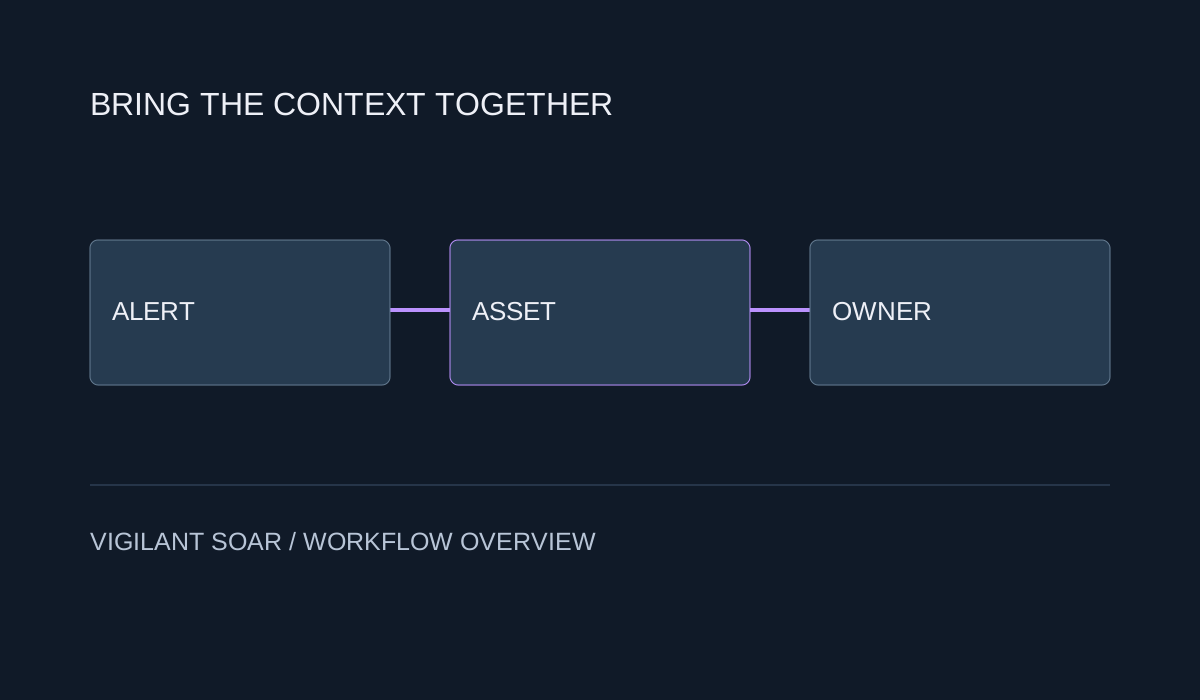
    Gather alert, asset, and ownership context to prepare an informed review.

    Alert, asset, and owner information connected to investigation context
  2. 02

    Review

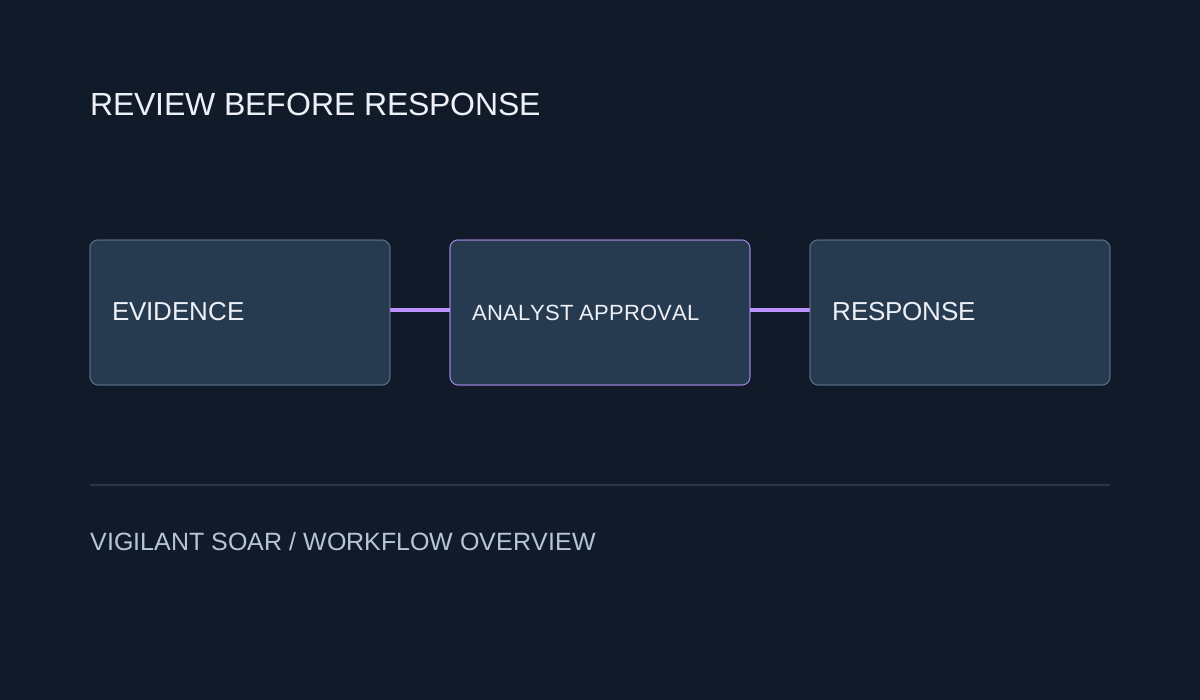
    Check the proposed response, required approvals, and operational impact.

    Response review with an analyst approval point
  3. 03

    Coordinate

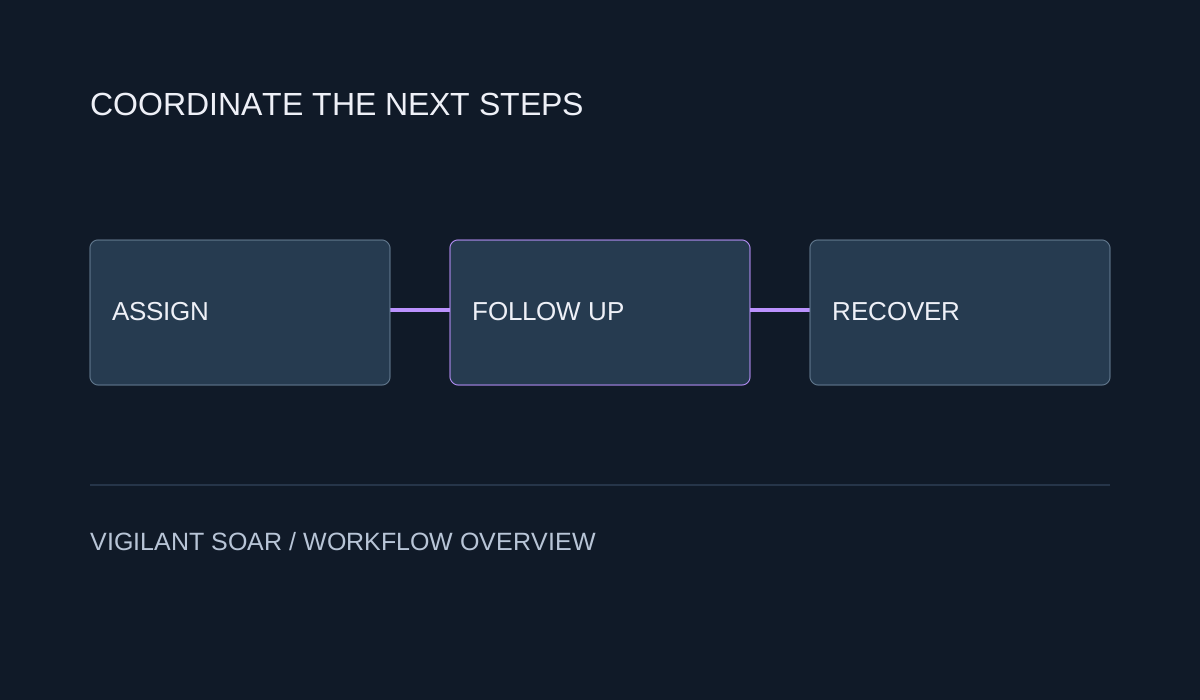
    Assign next steps, record evidence, and review recovery with the responsible teams.

    Coordinated response tasks and recovery review

Customer & industry focus

Security for the organizations that connect Yemen.

From telecom infrastructure to mobile services, explore local security priorities and the DeepSafer capabilities that address them.
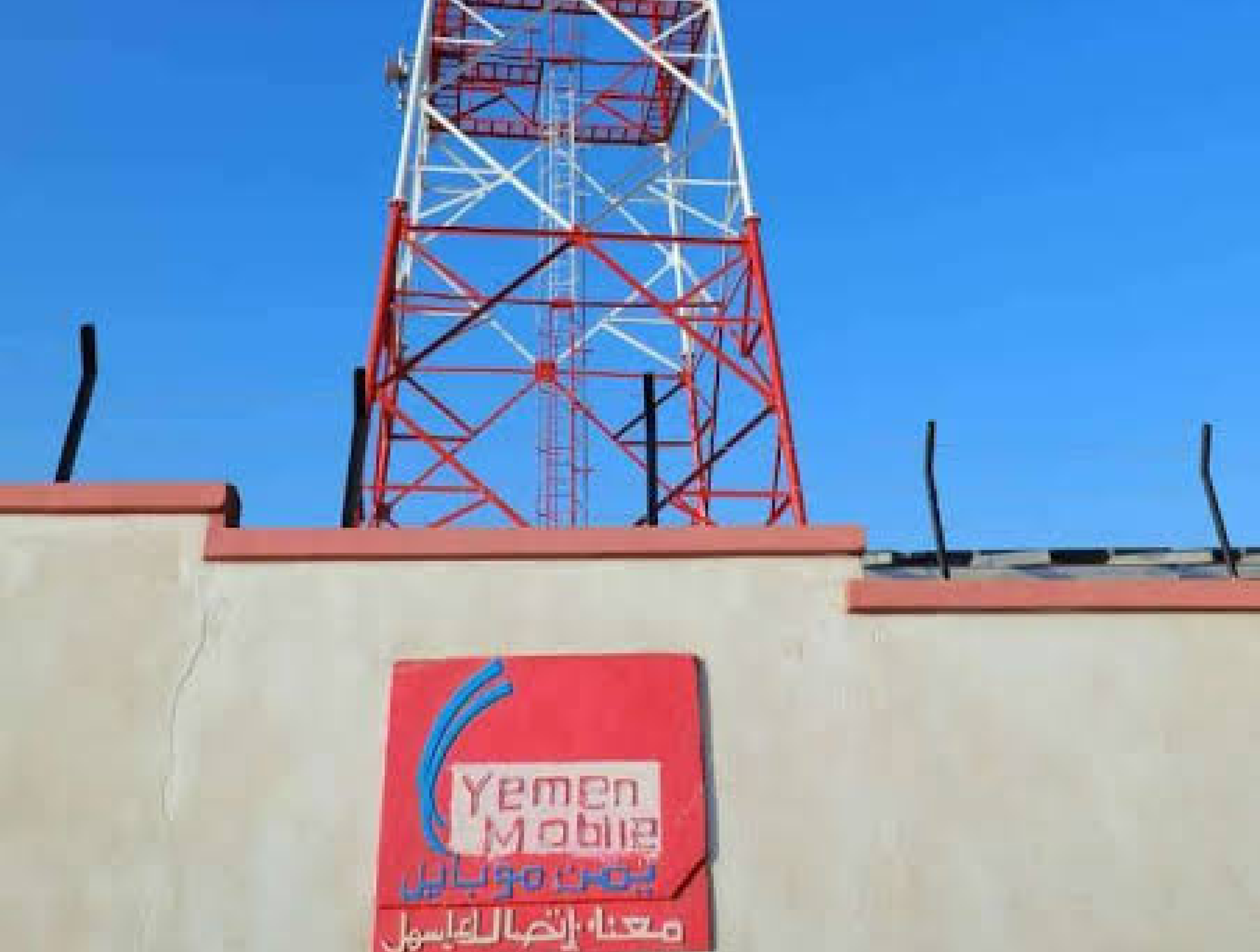
Yemen Mobile telecommunications tower and site

Response context for service protection.

Yemen Mobile

Mobile services & endpoint protection

Bring alert details and asset ownership together to guide response planning for connected services.


Explore the solution
TeleYemen building and telecommunications tower

Coordinated review across infrastructure teams.

TeleYemen

Telecommunications & infrastructure

Share evidence and define responsibilities before taking action on business-critical systems.


Explore the solution
YOU company building with its yellow facade and logo

Follow-through across security and operations.

YOU

Yemen Omani United telecommunications

Track review, response, and recovery tasks with the teams responsible for service continuity.


Explore the solution

Why DeepSafer

A Clearer Path from Alert to Response.

Vigilant SOAR helps teams organize investigation context, repeatable response steps, and human review in a connected workflow.
Context Before Action

Context Before Action

Review alert details and related activity before deciding how to respond.

Connect Your Response Workflow

Connect Your Response Workflow

Coordinate tasks across supported security controls and the teams that operate them.

Keep Analysts in Control

Keep Analysts in Control

Include review and approval points for actions that affect business systems.

Repeatable Steps. Reviewable Decisions.

Repeatable Steps. Reviewable Decisions.

Document response procedures and preserve the reasoning behind each decision.

Follow Through Across Teams

Follow Through Across Teams

Share evidence, clarify responsibilities, and review the work that remains.

Platform Integration

One Platform. A Singular Advantage.

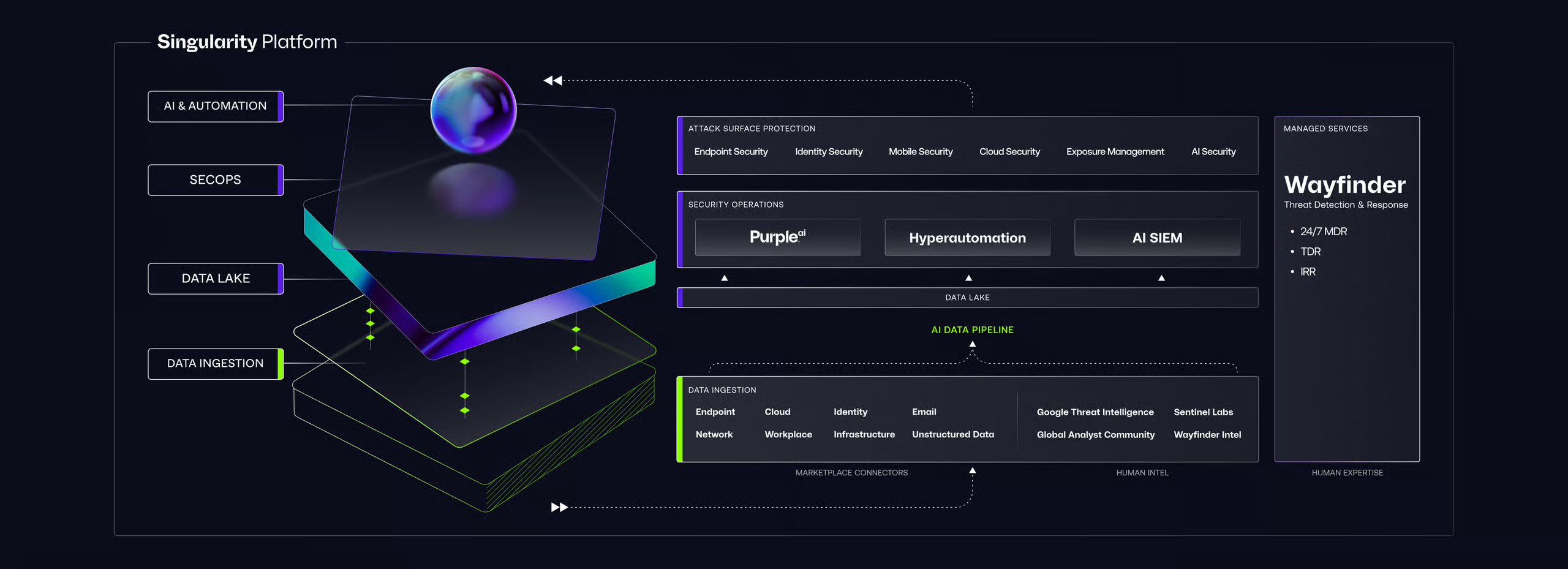
Futuristic UI mockup titled “Vigilant Platform” with neon platform, orb, labeled sections, and sidebar “DeepSafer”
01

From Detection to Prevention

Find exposures and stop the threats targeting them. Same AI-native agent. Same console.

02

Context That Drives Faster Response

Correlate exploit attempts with known vulnerabilities to prioritize response by real-world risk.

03

Consolidated Workflows. Fewer Tools.

Manage endpoint protection and vulnerability scanning from a single console. One place to investigate, prioritize, and act. No tool switching required.

Getting Started

Gain the Advantage from Day One

Futuristic UI mockup titled “Vigilant Platform” with neon platform, orb, labeled sections, and sidebar “DeepSafer”
Setup

Activate with the Agent You Already Have

Enable vulnerability management across your fleet with a policy toggle. No new agents, no appliances, no deployment project.

Build

Configure Policies. See Results Immediately.

Set scan depth, scope, and frequency by policy. Vulnerabilities surface in real time alongside your endpoint data.

Evolve

Expand Coverage. Focus on What Matters.

Discover unmanaged assets, close deployment gaps, and refine prioritization as your environment grows.

Need Answers?

Frequently Asked Questions

Vulnerability management is the ongoing process of identifying, assessing, prioritizing, and remediating security vulnerabilities across an organization's IT environment.

Unlike one-time vulnerability assessments, effective vulnerability management is ongoing, providing real-time visibility into exposure and helping teams reduce risk before attackers exploit known weaknesses.

Traditional scanners rely on scheduled scans, network appliances, and credentialed access to assess vulnerabilities periodically.

Vigilant Vulnerability Management uses your existing DeepSafer agents to run automated vulnerability scans, and on-demand scans when you need them, across Windows, macOS, and Linux with no additional infrastructure to deploy or maintain.

No. It uses the same DeepSafer agent already deployed on your endpoints. There is no additional agent to install, no scanner appliance to deploy, and no separate infrastructure to maintain. Enable it through a policy toggle in the Vigilant console and begin scanning immediately.

Vigilant Vulnerability Management ranks vulnerabilities using real-world exploitability signals including EPSS (Exploit Prediction Scoring System) scores, CISA Known Exploited Vulnerabilities (KEV) data, and business criticality factors specific to your environment.

This ensures remediation effort focuses on the vulnerabilities attackers are most likely to target, not just those with the highest CVSS score. S1 Risk Score synthesizes these signals into a single, actionable remediation priority for every vulnerability in your environment.

Yes, through Vigilant Network Control. Network Discovery identifies every device visible on your internal network, including unmanaged endpoints, IoT devices, and assets outside your managed inventory. Vulnerability scanning applies to DeepSafer-protected endpoints. Unmanaged devices can be brought under protection and scanning by deploying a DeepSafer agent directly from the discovery workflow.

Vulnerability management focuses on identifying and remediating known software vulnerabilities across protected assets. Exposure management is a broader discipline that also covers network discovery, asset inventory, and understanding what is visible on your network regardless of whether devices have agents deployed. Vigilant Vulnerability Management addresses the vulnerability layer. Vigilant Network Control extends that picture to the rest of your internal network, including unmanaged devices.

Decorative background gradient

Next Steps

Your Visibility Advantage Starts Here

Dark dashboard UI with purple-highlighted nav, summary cards showing 149, 7, 78, 56, 1.2 h, and a status table with linked purple text